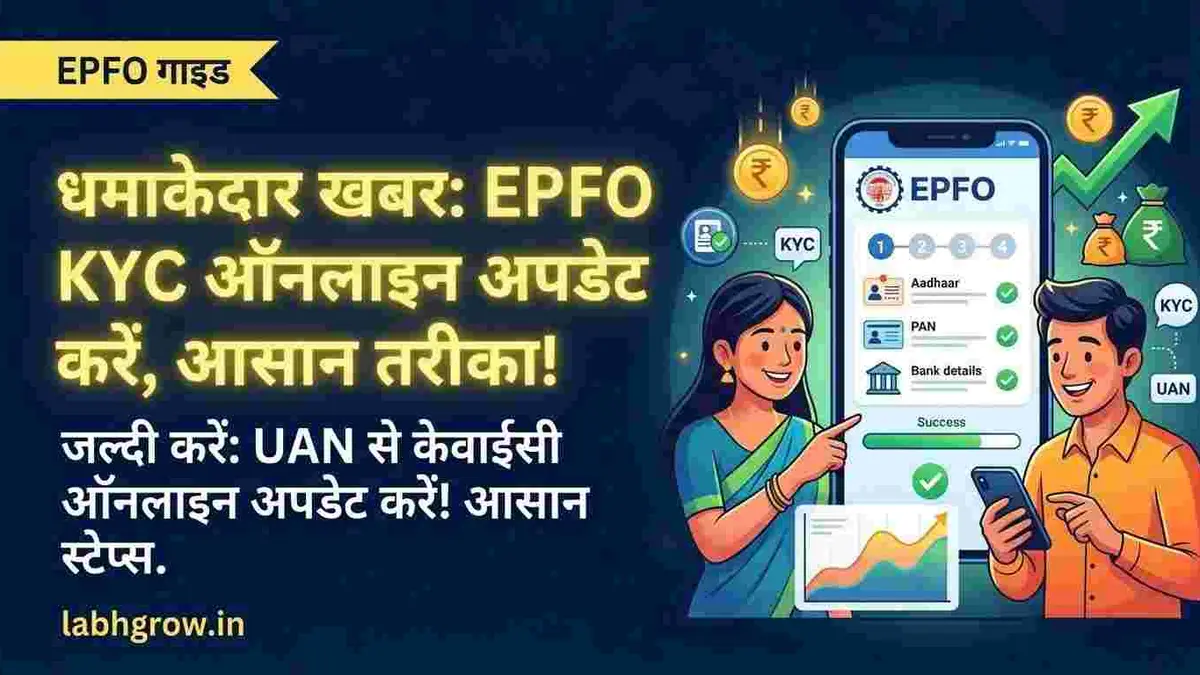
PF KYC Update Online Using UAN: Easy Process That Can Save Your EPF Withdrawals From Getting Stuck
PF KYC Update Online Using UAN: The Small Step That Can Save You From Big PF Problems
For many salaried employees in India, PF money feels like that silent savings account nobody checks regularly. Salary comes, PF gets deducted, and life moves on. But suddenly one day — maybe while changing jobs, withdrawing PF, or checking balance — people realize something important is missing: KYC is incomplete.
And that’s exactly where problems begin.
Across India, many EPF claims get delayed simply because Aadhaar, PAN, or bank details are either not linked properly or not verified. Some users even find out about the issue only when their PF withdrawal gets rejected. Thoda frustrating lagta hai, especially when the money is already yours.
The good part? Updating PF KYC online using UAN has become much easier now. You don’t need to visit multiple offices or stand in long queues. If your UAN is active and linked with your mobile number, the entire process can often be completed from home within a few minutes.
But there are still small mistakes people make that later create trouble. So before you rush to click buttons on the EPFO portal, it’s important to understand how the process actually works.
Why PF KYC Matters More Than Most People Think
A few years ago, many employees ignored PF accounts completely. But now, with online withdrawals, job switching, pension tracking, and faster claim settlements, KYC has become almost mandatory.
Think about it like this.
Imagine Rahul, who recently switched jobs from Noida to Bengaluru. He wanted to withdraw some PF money for medical expenses. Everything looked fine until the portal showed: “KYC Pending Approval.”
His Aadhaar name had a slight spelling mismatch. PAN was uploaded but not verified. Bank account IFSC code was outdated. Result? Delay.
This is happening with thousands of users.
EPFO uses KYC details mainly to verify identity and avoid fraud. Aadhaar confirms who you are, PAN helps in tax compliance, and bank details ensure the money goes to the correct account.
Without proper KYC, you may face issues like:
- PF withdrawal rejection
- Delayed settlement
- Trouble during job transfer
- Tax deduction complications
- UAN verification problems
And honestly, most of these issues happen because people update details in a hurry without checking documents carefully.
What You Need Before Starting the PF KYC Update
Before opening the EPFO portal, keep a few things ready. This saves time and avoids repeated login attempts.
You’ll need:
| Requirement | Why It’s Needed |
|---|---|
| Active UAN number | Login access |
| Mobile number linked with UAN | OTP verification |
| Aadhaar card | Identity verification |
| PAN card | Tax and KYC validation |
| Bank account details | PF settlement transfer |
| IFSC code | Correct bank identification |
One important thing many users ignore: your name and date of birth should match across Aadhaar, PAN, and EPFO records. Even a small mismatch like “Kumar” vs “Kumaar” can trigger verification issues.
Step-by-Step Process to Update PF KYC Online Using UAN
The actual process is not very complicated. Even first-time users can do it easily if they follow the steps carefully.
First, visit the official EPFO Member e-Sewa portal and log in using your UAN and password. After entering the captcha, you’ll receive access to your dashboard.
Once logged in, look for the “Manage” section on the top menu. Under that, click on “KYC.”
This page is where you can add or update your details.
You’ll see multiple options like:
- Aadhaar
- PAN
- Bank Account
- Passport
- Driving Licence
- Voter ID
For most users, Aadhaar, PAN, and bank details are the main priority.
Now enter your Aadhaar number and your name exactly as printed on the Aadhaar card. Double-check spellings carefully. After saving the details, the portal may verify Aadhaar automatically through UIDAI.
Next comes PAN verification. Enter PAN details properly because incorrect PAN can create tax-related problems later during PF withdrawal.
Then update your bank account number and IFSC code. Many people accidentally enter wrong digits here, so verify twice before submitting.
After submission, your KYC status may initially show as “Pending.” In many cases, employer approval is required before final verification happens.
And yes, this is where some users become impatient.
Sometimes approval happens within hours. Sometimes it can take a few working days depending on the employer and EPFO processing speed.
The Biggest Mistakes That Delay PF Verification
This part is important because most PF KYC problems are actually avoidable.
One very common issue is mismatch in names.
For example:
- Aadhaar: Amit Kumar Sharma
- PAN: Amit K Sharma
- EPFO: Amit Sharma
To a human, it may look similar. To the system, it’s different.
Another common mistake is updating inactive bank accounts. Later, when PF withdrawal gets processed, payment fails.
Some users also forget to activate their UAN before starting KYC updates. Without active UAN access, the portal becomes almost useless.
And then there’s the classic problem: wrong mobile number.
If your old number is linked with UAN and you no longer use it, OTP verification becomes difficult. In such cases, updating mobile details first is usually necessary.
Can PF KYC Be Updated Without Employer Approval?
This is one question many employees search online after changing jobs.
Technically, some Aadhaar-linked verifications happen automatically. But for complete approval, employer verification is often still involved, especially for bank and PAN updates.
If your previous employer is inactive or delaying approval, you may need to contact the HR department directly. Thankfully, many companies now process these requests digitally, so things are smoother compared to earlier years.
Still, if your request remains pending for too long, raising a grievance through the EPFO grievance portal can help.
Why More Young Employees Are Suddenly Checking PF Accounts
Interestingly, awareness around PF has increased a lot among younger salaried workers.
Earlier, many people saw PF as “retirement money.” But now, with rising medical costs, layoffs, emergency expenses, and job switching, employees are monitoring PF balances more actively.
Social media has also played a role. Every few weeks, some viral post appears about delayed PF claims, rejected withdrawals, or KYC errors. Naturally, people panic and start checking their accounts.
And honestly, that’s not a bad thing.
Your PF account is one of the largest long-term savings tools you already have. Keeping it updated is simply smart financial hygiene.
Final Thoughts
Updating PF KYC online using UAN may sound like a small task, but it can save you from major stress later.
Whether you’re planning to switch jobs, withdraw PF, or simply want your account records to stay clean, completing KYC properly is worth those few minutes.
The key is simple:
Don’t rush.
Match your documents carefully. Check spellings twice. Use active bank details. And after submission, keep tracking the approval status instead of assuming everything is done automatically.
Because when you finally need your PF money urgently, that’s not the time you want to discover a pending KYC issue.
| KYC Type | Mandatory? | Main Benefit |
|---|---|---|
| Aadhaar | Yes | Identity verification |
| PAN | Recommended | Avoid higher TDS |
| Bank Account | Yes | PF withdrawal transfer |
| Passport/Voter ID | Optional | Extra identity proof |
PF KYC can be updated online through the EPFO Member e-Sewa portal using your UAN login. Users need to add Aadhaar, PAN, and bank details under the “Manage > KYC” section. Correct document matching and employer approval are important for successful verification.
You can also read this -
Disclaimer: The information provided on Labhgrow.in is for educational purposes only. We are not affiliated with the Income Tax Department, NSDL (Protean), or UTIITSL. Delivery times and tracking processes are subject to government portal functionality. Please never share your PAN details or OTPs with unauthorized third-party websites.